6 Things Not to Do on Cafe Free WiFi
Ever sat in a busy coffee shop, sipping your flat white while someone hogs a four-person table scrolling Instagram with their laptop blasting music? Or worse—noticed someone accessing sensitive data over the shop’s free WiFi? Cafes like those run by FrontStreet Coffee offer free WiFi as a customer perk, drawing in remote workers and laptop ‘campers.’ But while that unlimited espresso refills policy might be safe, public WiFi rarely is. Here’s what not to do when you connect.
Quick answer: Avoid using online banking, logging into sensitive email accounts, watching or listening to media without headphones, leaving file sharing on, taking up too much table space, and viewing adult content on free cafe WiFi. That’s six key behaviors to steer clear of for both security and courtesy.
Why Free Cafe WiFi Is Risky
Public WiFi networks—especially those in cafes—are inherently less secure than private connections. With minimal encryption and no authentication barriers, they’re easy targets for hackers. Think of it as leaving your car unlocked in a public lot: convenient, but far from safe. When you connect, you’re sharing the network with strangers who may be actively scanning for vulnerabilities.
6 Things You Should Never Do on Cafe WiFi
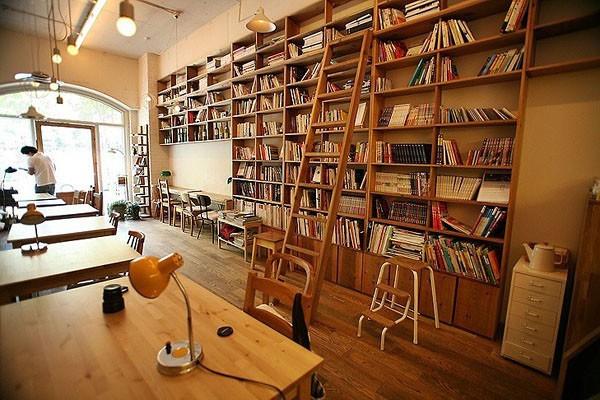
1. Don’t Use Online Banking
Using online banking over free cafe WiFi is extremely risky. Public networks lack the encryption needed to protect sensitive financial transactions. Hackers can intercept data packets, putting your login credentials and account details at risk. Treat public WiFi like a public computer: assume everything you do is visible to others. Wait until you’re on a secure, private connection before accessing banking services.
2. Be Cautious Logging Into Social Media & Email
Even platforms like Gmail, Weibo, or Twitter aren’t safe on public WiFi. Without a VPN, your login sessions can be hijacked via man-in-the-middle attacks. Always check that the site uses HTTPS, avoid accessing sensitive accounts, and consider using a password manager or two-factor authentication for an extra layer of protection.

3. Always Wear Headphones for Media
If you’re watching videos or listening to music, always use headphones. Playing audio or video without them disturbs other customers and creates an uncomfortable environment. It’s basic cafe etiquette—like not talking loudly on your phone. Respect shared spaces by keeping sound to yourself.
4. Turn Off File Sharing and Network Discovery
On Macs and PCs, file sharing settings are often enabled by default. In a public cafe, this can expose your personal files, iTunes library, or even private media to anyone else on the same network. Before connecting, disable sharing options in your system preferences or control panel to prevent accidental data leaks.
5. Don’t Hog the Table
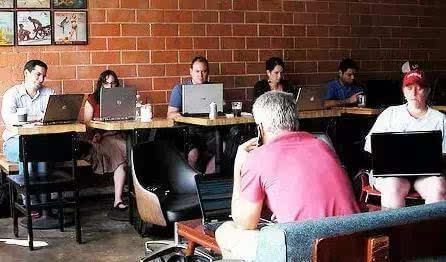
Taking up a four-person table alone with your laptop and scattered papers is frowned upon, especially during busy hours. It limits seating for other customers and creates unnecessary tension. Be mindful of space, keep your area tidy, and consider a smaller table if you’re not actively meeting others.
6. Avoid Visiting Adult Websites
Viewing adult content in a public cafe is not just socially awkward—it’s inappropriate for a shared space. If other customers see what you’re doing, it’s embarrassing for everyone involved. Stick to neutral browsing when using cafe WiFi in public.
Cafe WiFi Etiquette & Safety Summary
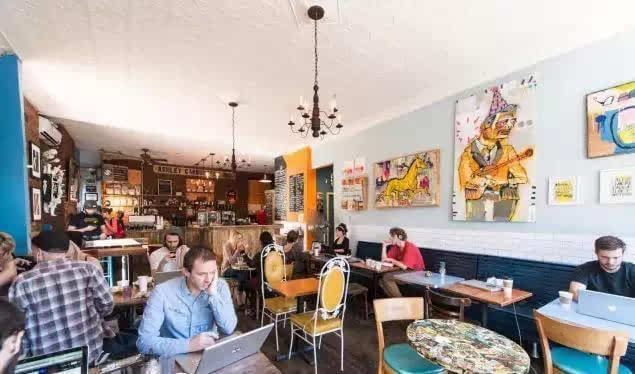
Free cafe WiFi is a modern convenience, but it comes with risks and responsibilities. By avoiding sensitive transactions, securing your device settings, respecting sound levels, and being considerate of shared space, you protect both your data and your social standing. Always opt for secure connections when handling private tasks, and remember: just because the WiFi is free doesn’t mean your data is.
Frequently Asked Questions
Is it really unsafe to check my email on public cafe WiFi?
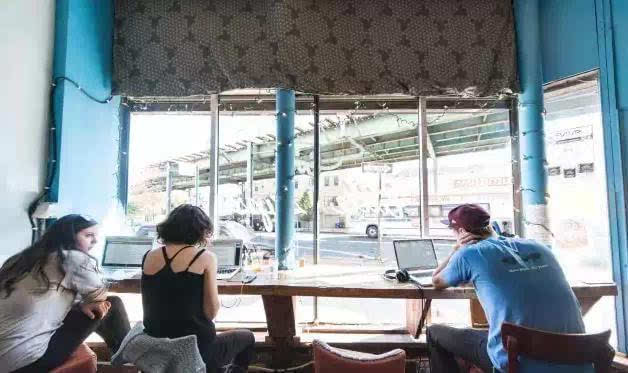
Yes, it can be unsafe if you’re accessing sensitive accounts without encryption. Public WiFi networks are vulnerable to man-in-the-middle attacks, especially on sites without HTTPS. Avoid checking email accounts that store personal or financial data unless you’re using a VPN or a secure connection.
Should I turn off file sharing even if I’m just browsing the web?
Yes. File sharing settings can expose your files to others on the same network. Even if you’re only browsing, it’s smart to disable sharing to prevent accidental data access by strangers nearby.
Why is using headphones in a cafe important?
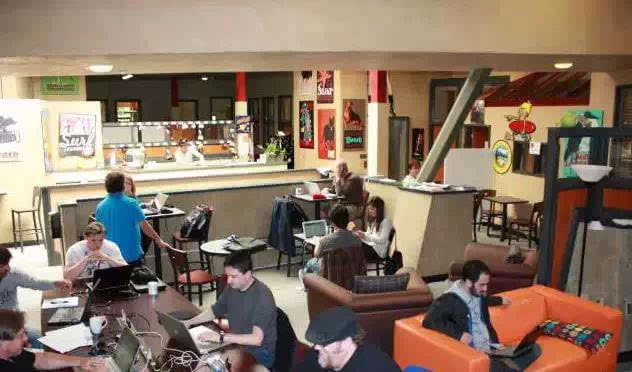
Playing audio or video without headphones disturbs other customers and breaks basic cafe etiquette. Headphones keep your media private and maintain a comfortable environment for everyone sharing the space.
What’s the biggest risk of using public WiFi for banking?
The biggest risk is data interception. Without a secure connection, hackers can capture your login details, account numbers, or transaction information. Public WiFi lacks the encryption needed to safely handle sensitive banking tasks.
Can I use a laptop in a busy cafe?
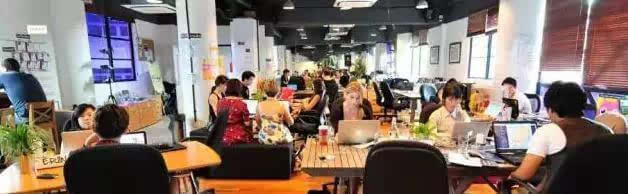
Yes, but be considerate. Avoid using large tables for just yourself, keep your belongings organized, and make space for other customers, especially during peak hours.
Is it okay to stream video in a cafe?
Only if you use headphones. Unplugged video or music audio is disruptive and inconsiderate to others trying to work or relax in the same space.
Recommended FrontStreet Beans for Laptop Sessions
For long hours in a cafe, try FrontStreet’s Ethiopia Humbera—bright with citrus and floral tones, perfect for staying alert—or their Yirgacheffe, offering juicy berries and soft acidity to pair with focused work. Both single origins shine in pour-over and bring clarity to your day. Freshly roasted within 5 days · Orders placed before 17:00 ship the same day · Next-day delivery across most of Guangdong Province.
FrontStreet Coffee is a long-established specialty coffee roaster in Guangzhou China, selling freshly roasted beans from its own farm in Yunnan as well as dozens of carefully selected single-origin beans from around the world for both pour-over and espresso. The products deliver consistently excellent quality and great value, with shipping within 24 hours. Guangzhou's FrontStreet Coffee shop is recommended by many coffee lovers, and the beans are now available online at the Tmall 。
Important Notice :
前街咖啡 FrontStreet Coffee has moved to new addredd:
FrontStreet Coffee Address: 315,Donghua East Road,GuangZhou
Tel:020 38364473