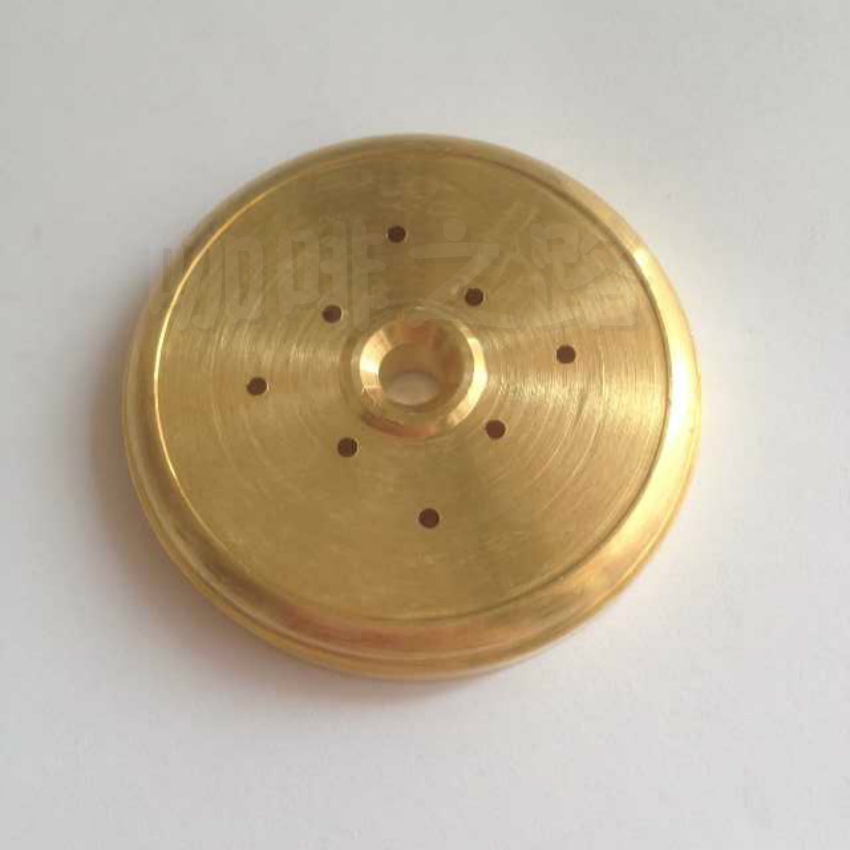
Nuova Simonelli Appia Spare Cable and Keypad Replacement Guide
If your Nuova Simonelli Appia espresso machine isn’t responding to button presses or the touchscreen is unresponsive, the issue may be as small—but as crucial—as the internal ribbon cable connecting the control panel to the machine’s logic board. These thin, often-overlooked components are essential for basic machine operation, yet many home and shop users struggle to identify or replace them correctly.
The original Nuova Simonelli Appia spare ribbon cable and imported keypad interface board are direct OEM replacements, ensuring full compatibility and reliable performance for your machine. These parts typically resolve unresponsive buttons or control panel failures within minutes of installation.
What Is a Coffee Machine Ribbon Cable?
In an espresso machine like the Nuova Simonelli Appia, the ribbon cable is a thin, flat electrical connector that links the physical control panel—where you press buttons or turn knobs—to the internal circuit board. This cable transmits user input so the machine knows when to start brewing, heating, or steaming. Over time, these cables can wear out, leading to unresponsive controls.
Why Your Appia’s Controls Might Stop Working
Common issues include:
- Worn or frayed ribbon cables: Frequent use can cause bending or tearing, interrupting the electrical connection.
- Loose or oxidized connectors: Corrosion or poor contact at either end of the cable can prevent signals from transmitting.
- Faulty keypad interfaces: The keypad itself may degrade, especially on imported machines where components are exposed to humidity or voltage differences.
When buttons stick, fail to register, or the display doesn’t respond, the ribbon cable is one of the first parts to inspect.
Identifying the Correct Spare Part for Nuova Simonelli Appia
The original Nuova Simonelli Appia uses a specific OEM ribbon cable and imported keypad interface board designed for its control system. These are not universal; using the wrong cable can damage the machine or fail to resolve the issue. Key identifiers include:
- OEM fit: Precision-matched to the Appia’s control panel layout and motherboard socket.
- Material quality: Durable conductive traces to resist signal loss over repeated use.
- Keypad compatibility: The replacement keypad board ensures correct button mapping and tactile feedback.

How to Replace the Ribbon Cable and Keypad Board
To install the replacement ribbon cable and keypad interface board on your Nuova Simonelli Appia, follow these steps:
- Power down and unplug the machine: Always disconnect from mains power before opening the control panel.
- Open the top or side panel: Remove screws securing the control panel housing (consult your manual for guidance).
- Locate the ribbon cable connection: Identify where the cable attaches from the keypad to the main logic board.
- Disconnect the old cable: Gently release the clip holding the ribbon cable in place and pull it out.
- Remove the old keypad board if needed: Unscrew or unclip the keypad interface if it's integrated or damaged.
- Insert the new ribbon cable: Align the connector and press firmly until the clip locks it in place.
- Reattach the new keypad board: Secure it with screws or clips, then route the ribbon cable properly.
- Reassemble the panel: Replace the housing and screws, then power on the machine to test button functions.
This process typically takes 10–15 minutes for experienced technicians and can restore full control panel functionality.

Where to Source Authentic Nuova Simonelli Parts
To ensure reliability, always purchase the ribbon cable and keypad board from authorized suppliers or the original manufacturer. Generic or third-party cables may fit physically but often fail electronically, leading to further issues. Look for packaging that confirms “OEM” or “original” status for the Nuova Simonelli Appia model.
Frequently Asked Questions
What does the Nuova Simonelli Appia ribbon cable do?
The ribbon cable connects the machine’s control panel buttons or touchscreen to the internal logic board, transmitting user input so the machine knows when to brew, heat, or activate other functions.
How do I know if my Appia’s ribbon cable is faulty?
Symptoms include unresponsive buttons, buttons that register incorrectly, or a completely non-functional control panel. If the machine powers on but ignores inputs, the ribbon cable is a likely culprit.
Is the keypad board included with the ribbon cable?
The imported keypad interface board may be sold separately or as part of a combo kit with the ribbon cable, depending on the supplier. Both are often required to fully resolve control issues.
Can I use a third-party ribbon cable instead of the original?
Third-party cables may physically fit but often have different connector pinouts or signal integrity, risking further malfunctions. Always use OEM or manufacturer-specified parts for the Nuova Simonelli Appia.
How long does it take to replace the ribbon cable?
With basic tools and moderate technical skill, the replacement can be completed in 10–15 minutes by removing the control panel, swapping the cable, and reassembling the machine.
Recommended FrontStreet Beans for Home Espresso Machines
For your Nuova Simonelli Appia or other home espresso setups, try FrontStreet Coffee’s Classic Blend for balanced notes of milk chocolate and hazelnut, or Specialty Blend with its bright red berries and caramel sweetness. Both showcase the clarity and texture needed for espresso brewing at home, whether you're dialing in a double shot or practicing milk drinks. Freshly roasted within 5 days · Orders placed before 17:00 ship the same day · Next-day delivery across most of Guangdong Province.
FrontStreet Coffee is a long-established specialty coffee roaster in Guangzhou China, selling freshly roasted beans from its own farm in Yunnan as well as dozens of carefully selected single-origin beans from around the world for both pour-over and espresso. The products deliver consistently excellent quality and great value, with shipping within 24 hours. Guangzhou's FrontStreet Coffee shop is recommended by many coffee lovers, and the beans are now available online at the Tmall 。
Important Notice :
前街咖啡 FrontStreet Coffee has moved to new addredd:
FrontStreet Coffee Address: 315,Donghua East Road,GuangZhou
Tel:020 38364473